|
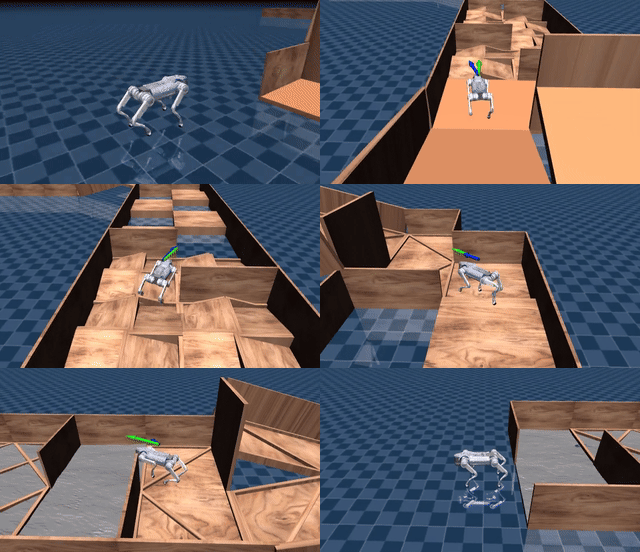
Isaac Gym
|
Mujoco
|
Physical
|
|--- | --- | --- |
| 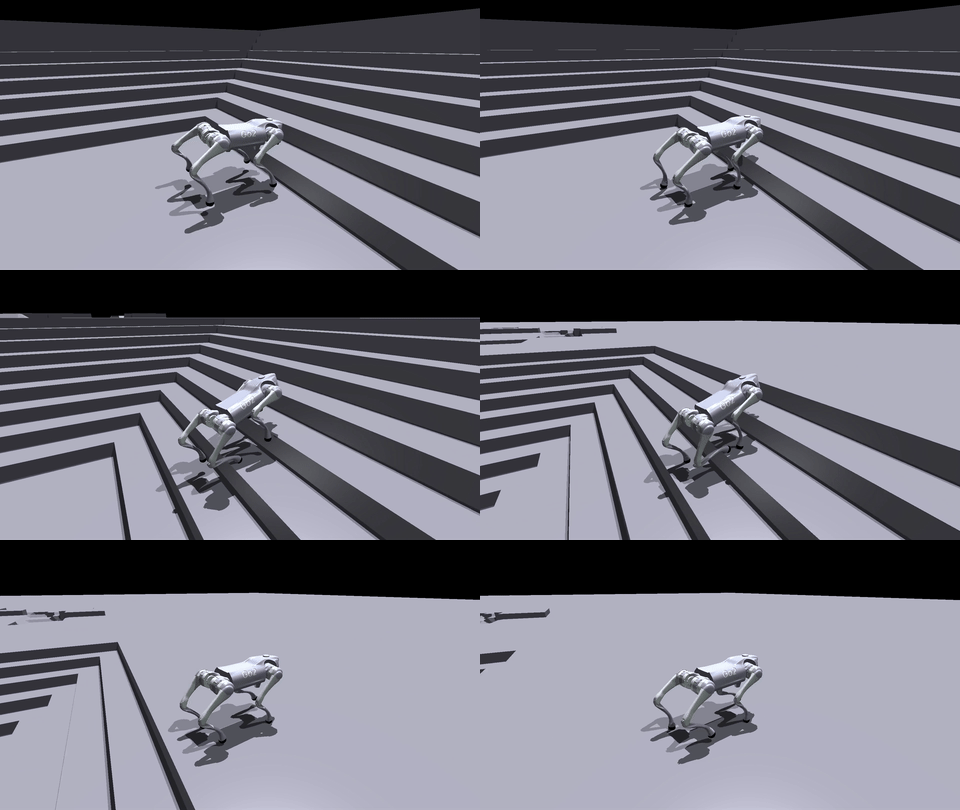 | 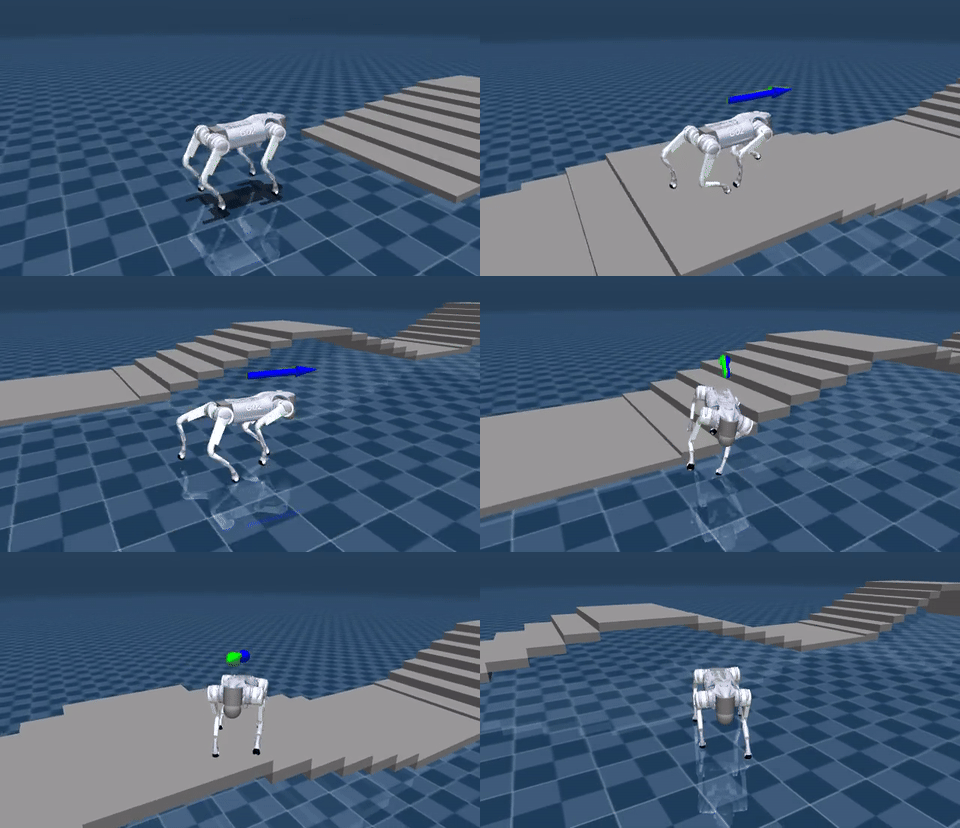 | 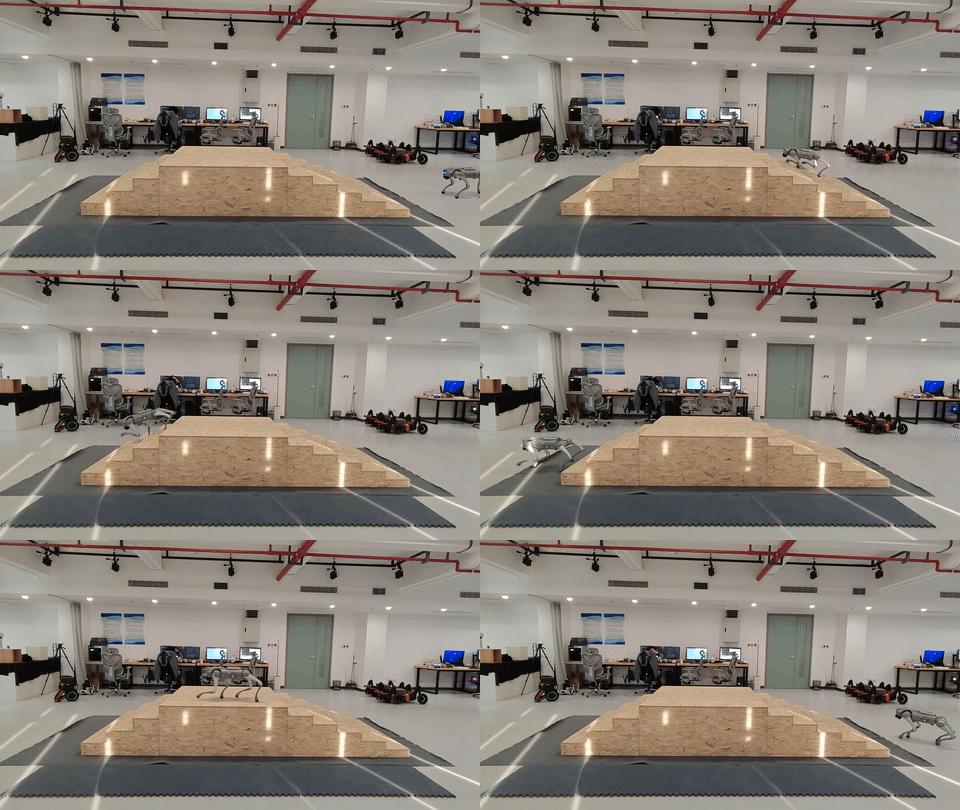 |
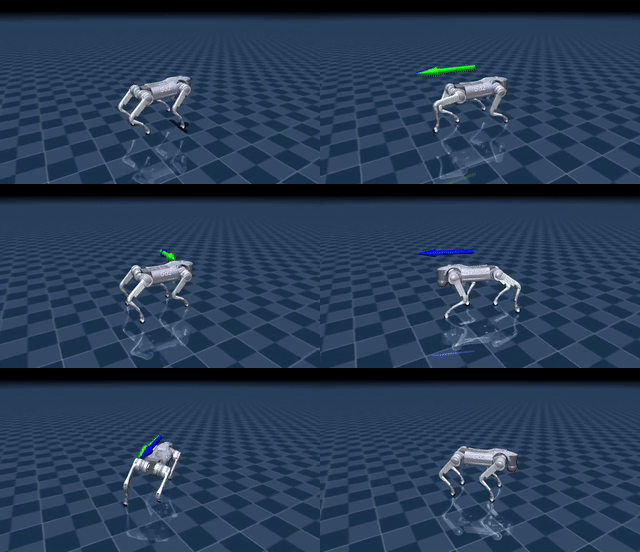 |
|  |
|  |
---
### 4. Sim2Real
#### 4.1 Python实物部署
```bash
# 如果机载电脑部署,根据Jetson版本选择Python版本
# JetPack 6: Python 3.10
# JetPack 5: Python 3.8
conda create -n deploy python=3.10
conda activate deploy
# 下载并安装对应Jetson设备和Python的PyTorch whl包
# https://forums.developer.nvidia.com/t/pytorch-for-jetson/72048
git clone https://github.com/unitreerobotics/unitree_sdk2_python.git
cd unitree_sdk2_python
pip3 install -e .
```
先用app进入设备→服务状态→点击运控服务,关闭`mcf/*`,打开`ota_box`服务。
假设和下位机连接的网卡名称为`eth0`,执行
```bash
cd deploy/deploy_real
python deploy_real_go2.py eth0
```
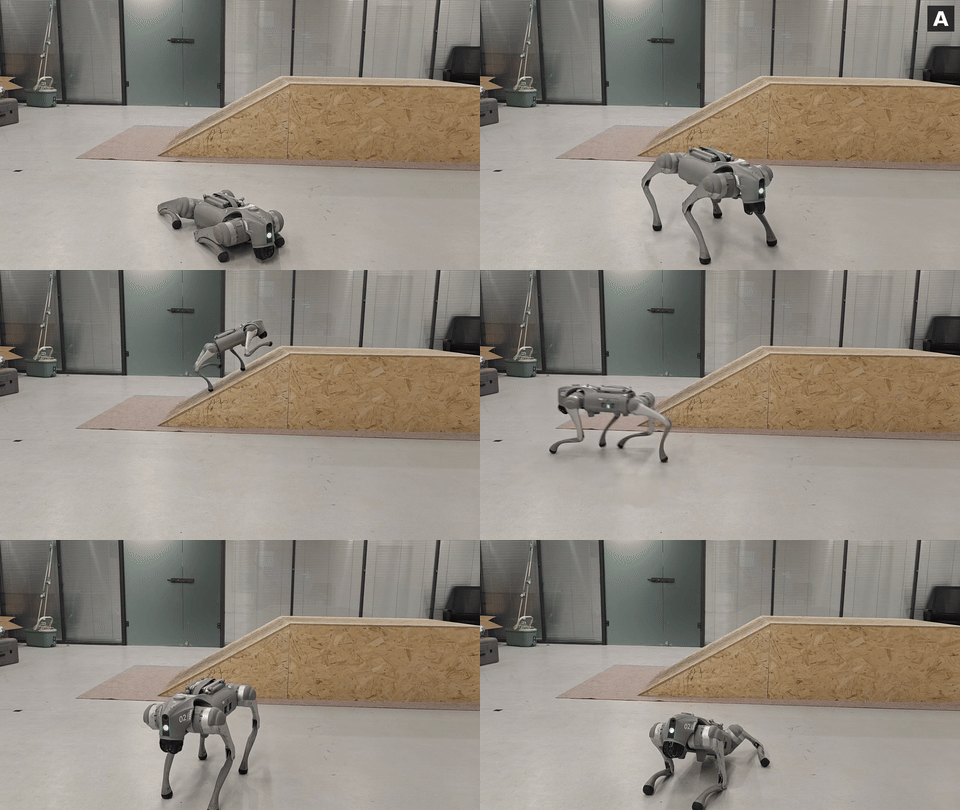
`start`站立,`A`启动控制
#### 4.2 C++实物部署
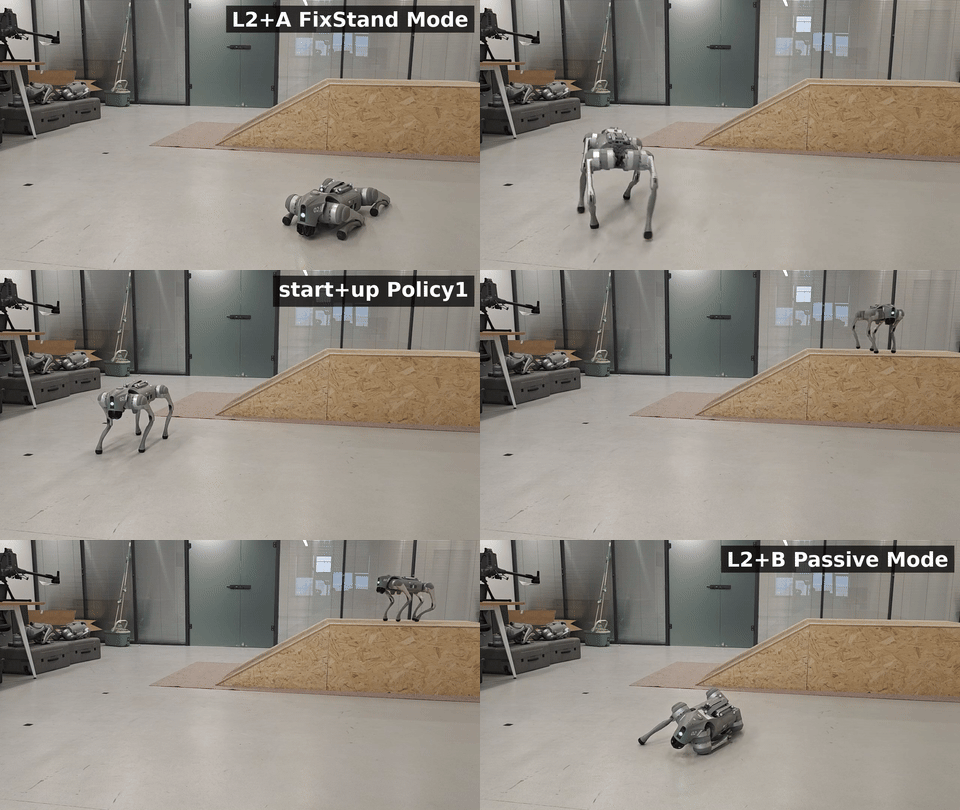
参考[unitree_cpp_deploy](https://github.com/wty-yy/unitree_cpp_deploy)使用说明。
#### 运行效果
| Python部署 | C++部署 |
| --- | --- |
|  |  |
---
## 🎉 致谢
本仓库开发离不开以下开源项目的支持与贡献,特此感谢:
- [unitree_rl_gym](https://github.com/unitreerobotics/unitree_rl_gym):宇树机器人强化学习训练基础框架。
- [legged\_gym](https://github.com/leggedrobotics/legged_gym):构建基础训练环境。
- [rsl\_rl](https://github.com/leggedrobotics/rsl_rl.git):强化学习算法实现。
- [mujoco](https://github.com/google-deepmind/mujoco.git):提供强大CPU仿真功能。
- [unitree\_sdk2\_python](https://github.com/unitreerobotics/unitree_sdk2_python.git):实物部署硬件Python通信接口。
- [unitree_sdk2](https://github.com/unitreerobotics/unitree_sdk2):实物部署硬件C++通信接口。
本仓库实现包含以下论文,特此感谢:
- [CTS: Concurrent Teacher-Student Reinforcement Learning for Legged Locomotion](https://arxiv.org/pdf/2405.10830)
贡献者:
- [@windigal](https://github.com/windigal):复现CTS算法,生成地形,剪辑视频
- [@wertyuilife2](https://github.com/wertyuilife2):复现CTS算法
---
## 📄 引用
如果觉得我们的工作有帮助,请引用:
```bibtex
@article{wu2026robogauge,
title={Toward Reliable Sim-to-Real Predictability for MoE-based Robust Quadrupedal Locomotion},
author={Tianyang Wu and Hanwei Guo and Yuhang Wang and Junshu Yang and Xinyang Sui and Jiayi Xie and Xingyu Chen and Zeyang Liu and Xuguang Lan},
year={2026},
journal={arXiv preprint arXiv:2602.00678},
url={https://arxiv.org/abs/2602.00678},
}
```
## 🔖 许可证
新增内容根据 [MIT License](./LICENSE) 授权,原仓库unitree_rl_gym根据 [BSD 3-Clause License](./LICENSE) 授权。
详情请阅读完整 [LICENSE 文件](./LICENSE)。
|
---
### 4. Sim2Real
#### 4.1 Python实物部署
```bash
# 如果机载电脑部署,根据Jetson版本选择Python版本
# JetPack 6: Python 3.10
# JetPack 5: Python 3.8
conda create -n deploy python=3.10
conda activate deploy
# 下载并安装对应Jetson设备和Python的PyTorch whl包
# https://forums.developer.nvidia.com/t/pytorch-for-jetson/72048
git clone https://github.com/unitreerobotics/unitree_sdk2_python.git
cd unitree_sdk2_python
pip3 install -e .
```
先用app进入设备→服务状态→点击运控服务,关闭`mcf/*`,打开`ota_box`服务。
假设和下位机连接的网卡名称为`eth0`,执行
```bash
cd deploy/deploy_real
python deploy_real_go2.py eth0
```
`start`站立,`A`启动控制
#### 4.2 C++实物部署
参考[unitree_cpp_deploy](https://github.com/wty-yy/unitree_cpp_deploy)使用说明。
#### 运行效果
| Python部署 | C++部署 |
| --- | --- |
|  |  |
---
## 🎉 致谢
本仓库开发离不开以下开源项目的支持与贡献,特此感谢:
- [unitree_rl_gym](https://github.com/unitreerobotics/unitree_rl_gym):宇树机器人强化学习训练基础框架。
- [legged\_gym](https://github.com/leggedrobotics/legged_gym):构建基础训练环境。
- [rsl\_rl](https://github.com/leggedrobotics/rsl_rl.git):强化学习算法实现。
- [mujoco](https://github.com/google-deepmind/mujoco.git):提供强大CPU仿真功能。
- [unitree\_sdk2\_python](https://github.com/unitreerobotics/unitree_sdk2_python.git):实物部署硬件Python通信接口。
- [unitree_sdk2](https://github.com/unitreerobotics/unitree_sdk2):实物部署硬件C++通信接口。
本仓库实现包含以下论文,特此感谢:
- [CTS: Concurrent Teacher-Student Reinforcement Learning for Legged Locomotion](https://arxiv.org/pdf/2405.10830)
贡献者:
- [@windigal](https://github.com/windigal):复现CTS算法,生成地形,剪辑视频
- [@wertyuilife2](https://github.com/wertyuilife2):复现CTS算法
---
## 📄 引用
如果觉得我们的工作有帮助,请引用:
```bibtex
@article{wu2026robogauge,
title={Toward Reliable Sim-to-Real Predictability for MoE-based Robust Quadrupedal Locomotion},
author={Tianyang Wu and Hanwei Guo and Yuhang Wang and Junshu Yang and Xinyang Sui and Jiayi Xie and Xingyu Chen and Zeyang Liu and Xuguang Lan},
year={2026},
journal={arXiv preprint arXiv:2602.00678},
url={https://arxiv.org/abs/2602.00678},
}
```
## 🔖 许可证
新增内容根据 [MIT License](./LICENSE) 授权,原仓库unitree_rl_gym根据 [BSD 3-Clause License](./LICENSE) 授权。
详情请阅读完整 [LICENSE 文件](./LICENSE)。